Quality assurance for translators

Catch what you'd miss.
Deliver with proof.

QAdesk is a desktop app that reads your bilingual files, runs 32 quality checks in one click, scores them against your standards, and helps you fix errors fast — fully offline, on your machine, on your terms.

Free during Early Access · Windows 10/11 · No account · No cloud · No telemetry

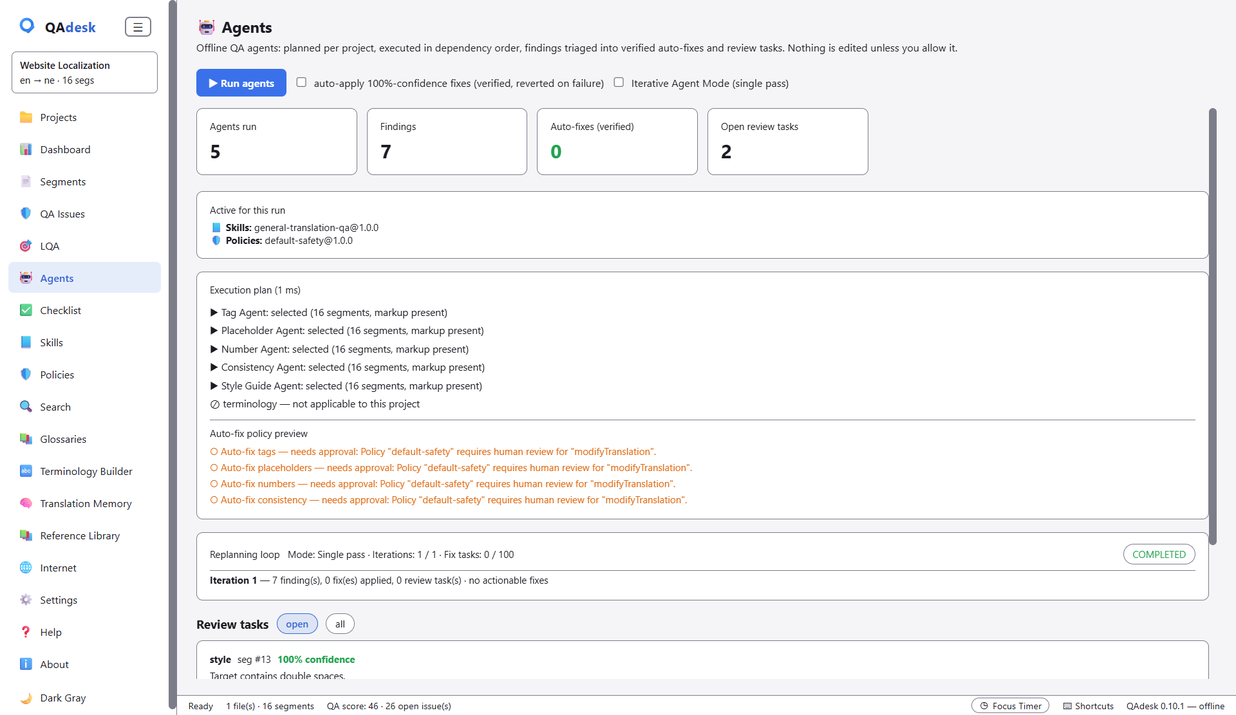
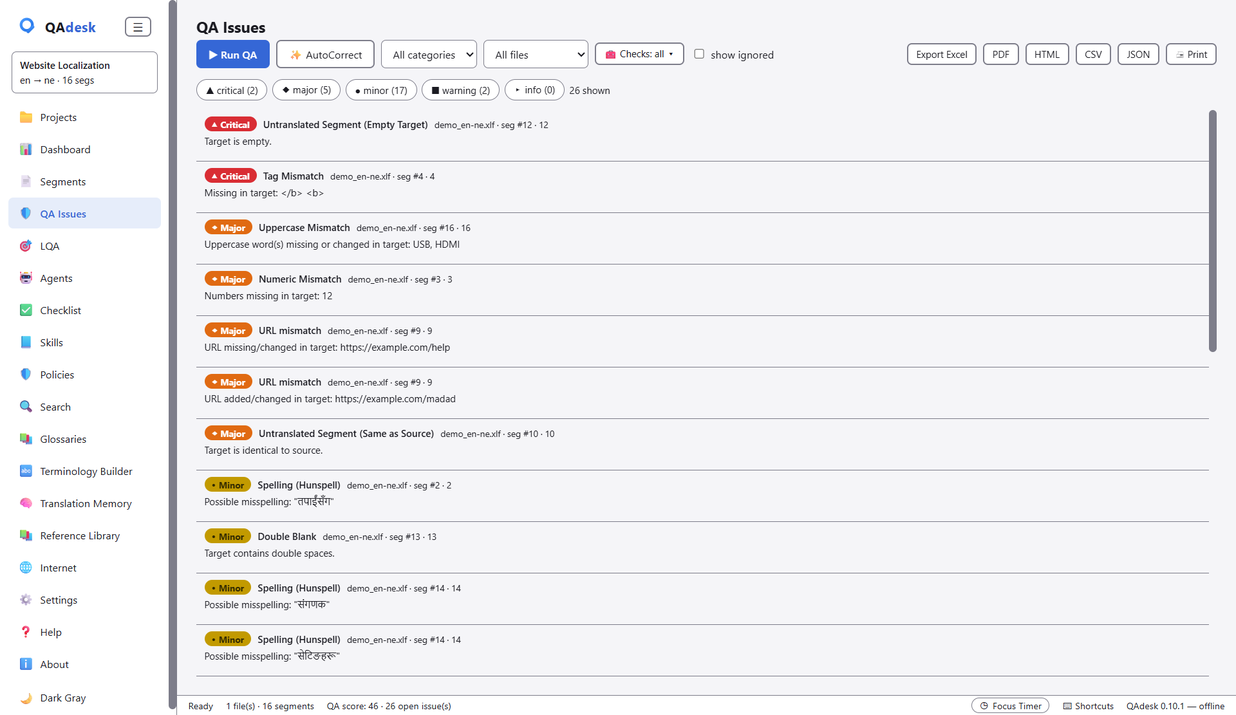
QAdesk's QA Issues view: severity-ranked findings — tag mismatches, numeric mismatches, spelling — across a bilingual file
32language-neutral checks
6built-in QA agents
100%offline & private
10+CAT / bilingual formats

Manual QA is where the misses happen

You've translated the file. Now you have to prove it's right — every number, every tag, every term, across hundreds of segments. Miss one, and it's the client who finds it. QAdesk does the checking that a tired eye slides past.

Everything in one place

Built for the part of the job that matters most

32 checks, one click

Numbers, inline tags & placeholders, punctuation, URLs, consistency, terminology, length, whitespace, Unicode — plus Hunspell spelling. Works on bilingual files and monolingual Word (.docx) documents. Critical issues surface first.

LQA scoring

Grade a file against a quality profile and get a straight verdict — PASS or FAIL — with the breakdown behind it. Turn a translation into a report you can hand a client with confidence.

Agents that fix, safely

Six built-in agents propose fixes, tell you how sure they are, and — with your permission — apply the certain ones and verify their own work. The judgement calls come to you.

Watch & auto-recheck

Turn on folder-watch and QAdesk re-runs QA the moment you re-save a file in your CAT tool — the issue list refreshes on its own, no clicking. New files dropped into a watched folder are picked up too.

Your rules, enforced

Skills capture how a language or client should be handled. Policies set hard limits the agents can't cross. Banned terms and client feedback become checks — import an ApSIC Xbench .xbckl checklist or build your own.

Glossaries, TM & Reference Library

Attach term bases and translation memories (SDLTB/SDLTM via built-in SQLite), check terminology compliance, and run concordance search across the project or your whole cross-project Reference Library.

Grouped, colour-coded reports

Findings grouped by check and colour-coded, Xbench-style — consistency issues cluster so the odd translation stands out. Export branded Excel, PDF, HTML, CSV or JSON, each row carrying the segment number and CAT-tool unit id.
See it in action

The real app, not a mockup

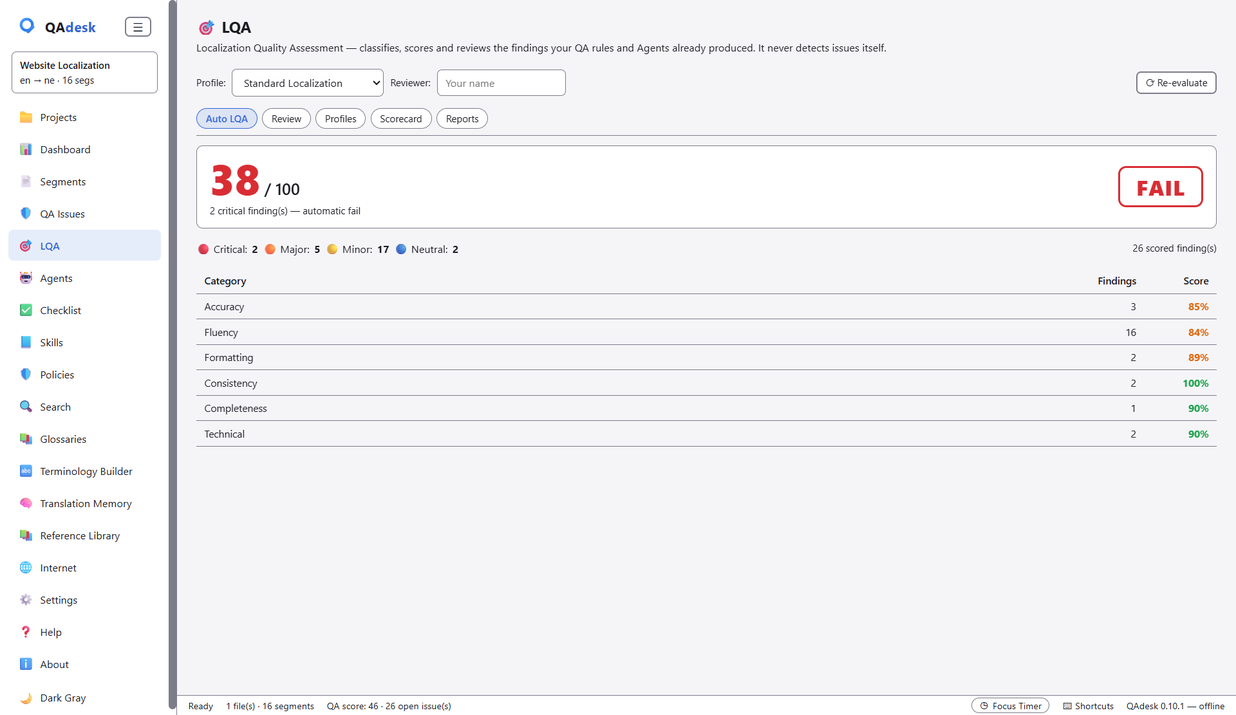
QAdesk LQA scorecard grading a file against a quality profile with a PASS/FAIL result
Score a file against an LQA profile — PASS or FAIL, with the breakdown.
QAdesk Agents view proposing fixes with confidence, for review and apply
Six agents propose fixes, show their confidence, and verify their own work.
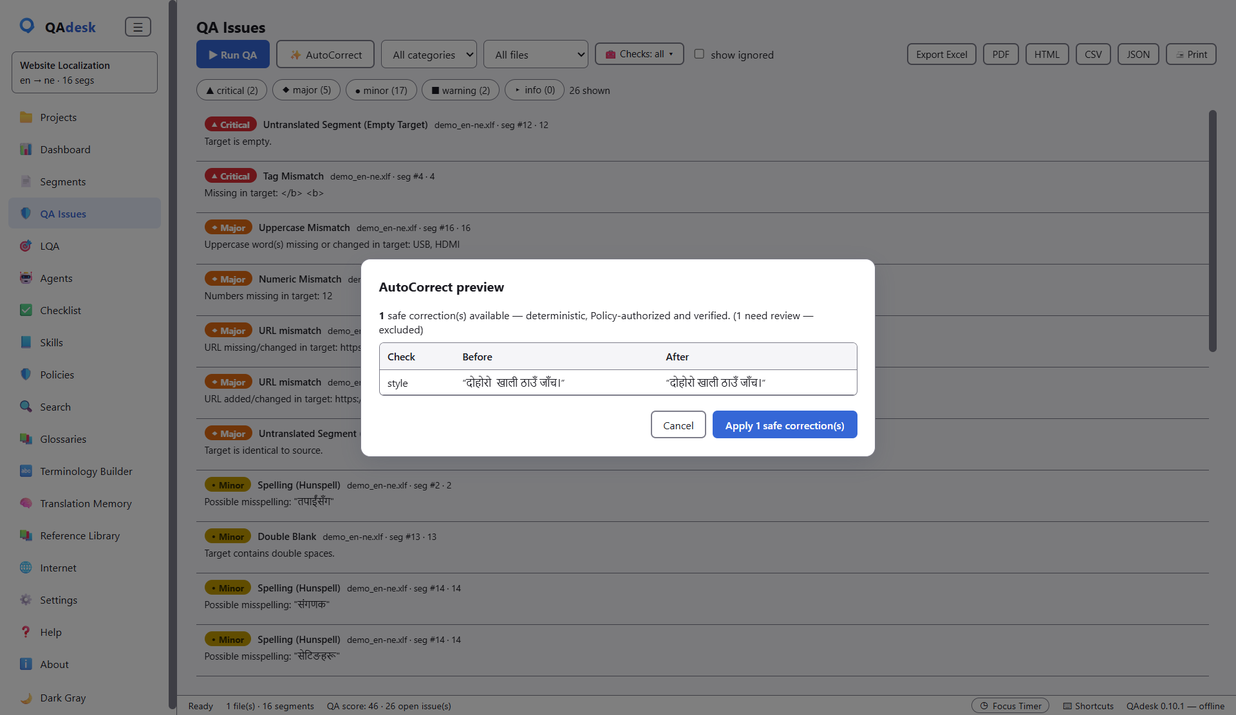
QAdesk AutoCorrect preview listing safe, deterministic fixes to apply in one click
Apply only the safe, deterministic fixes — in one click, with undo.

Four minutes, start to finish

How it works

  1. 1

    Import any file

    Drop in whatever your CAT tool speaks — Trados, memoQ, Phrase, Wordfast, plain XLIFF, TMX, Excel, PO and more. Source and target line up in seconds.

  2. 2

    Run QA

    One click runs all 32 checks across every segment, sorted so the critical issues come first.

  3. 3

    Review & fix

    Jump straight to any segment, step through issues, ignore false positives, and apply safe AutoCorrect fixes with one click and undo.

  4. 4

    Score & export

    Score against an LQA profile and export a clean report — proof of quality you can deliver alongside the file.

Speaks your CAT tool

Formats it reads

  • XLIFF
  • SDLXLIFF (Trados)
  • MQXLIFF (memoQ)
  • Phrase / Memsource
  • Wordfast
  • TMX
  • TBX
  • SDLTB
  • SDLTM
  • Excel (XLSX)
  • CSV
  • PO (gettext)
  • JSON
  • SRT
  • Trados RTF

Bilingual export & conversion, write-back to the original file, and check-type filtering are built in.

Private by design

Your clients' files never leave your computer

No account. No cloud. No telemetry. Everything runs locally — which matters when the work is medical, legal, or unreleased. Want an AI assistant? You can run one locally too, through Ollama. Powerful QA, entirely under your control.

Offline No account Runs on your CPU Optional local AI
“I'm a freelance translator, and I wanted a professional QA tool I actually control. So I built one.”

QAdesk is made by a working translator — a modern, offline take on the classic QA checker.

Get QAdesk

Free during Early Access — a single Windows installer, no account. Future versions will require a paid license.

Windows 10/11 · 64-bit · ~4 GB RAM · no GPU required